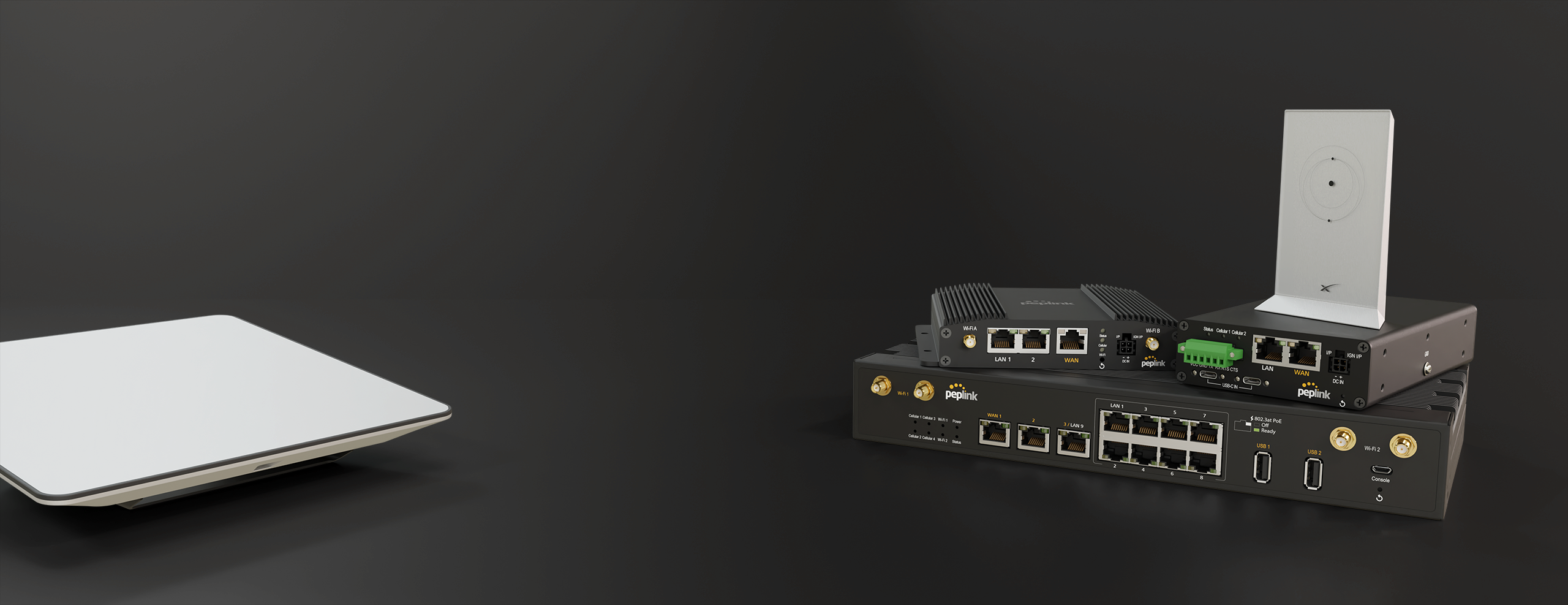
Robust Internet Solutions for
the Most Challenging
Business Environments
Learn More
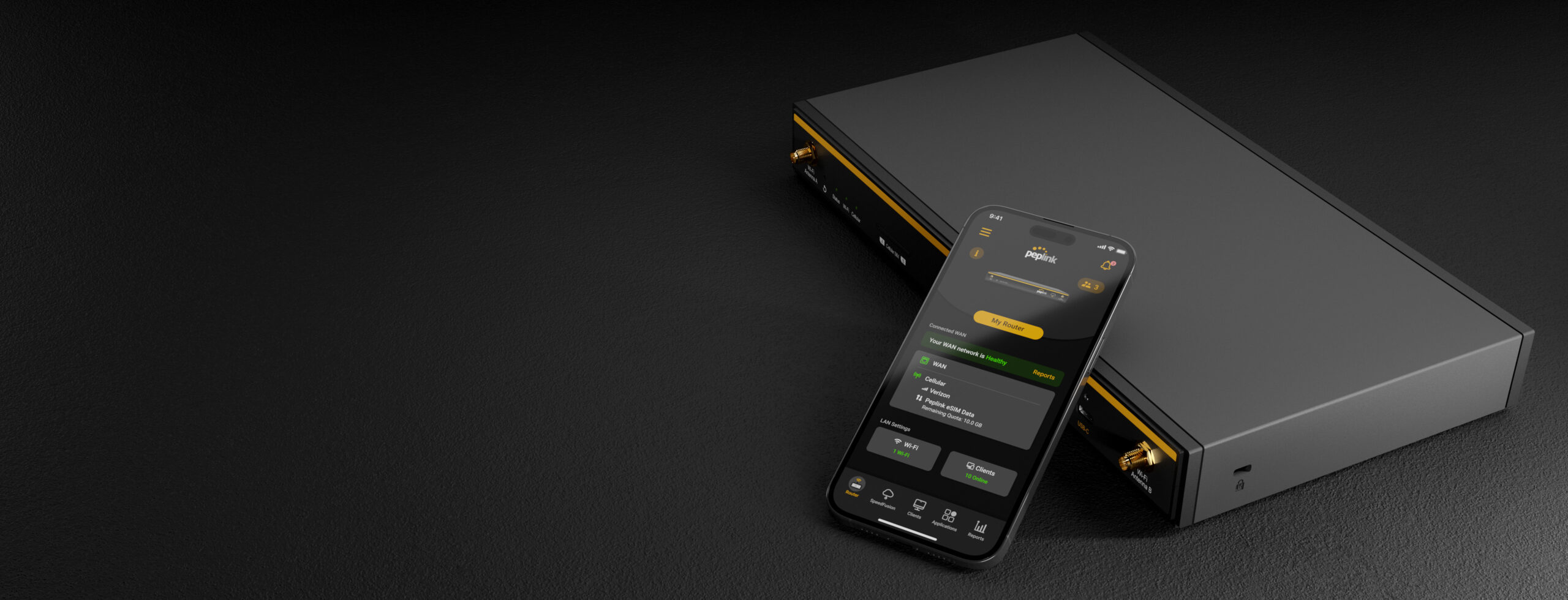
at Your Fingertips
Learn More
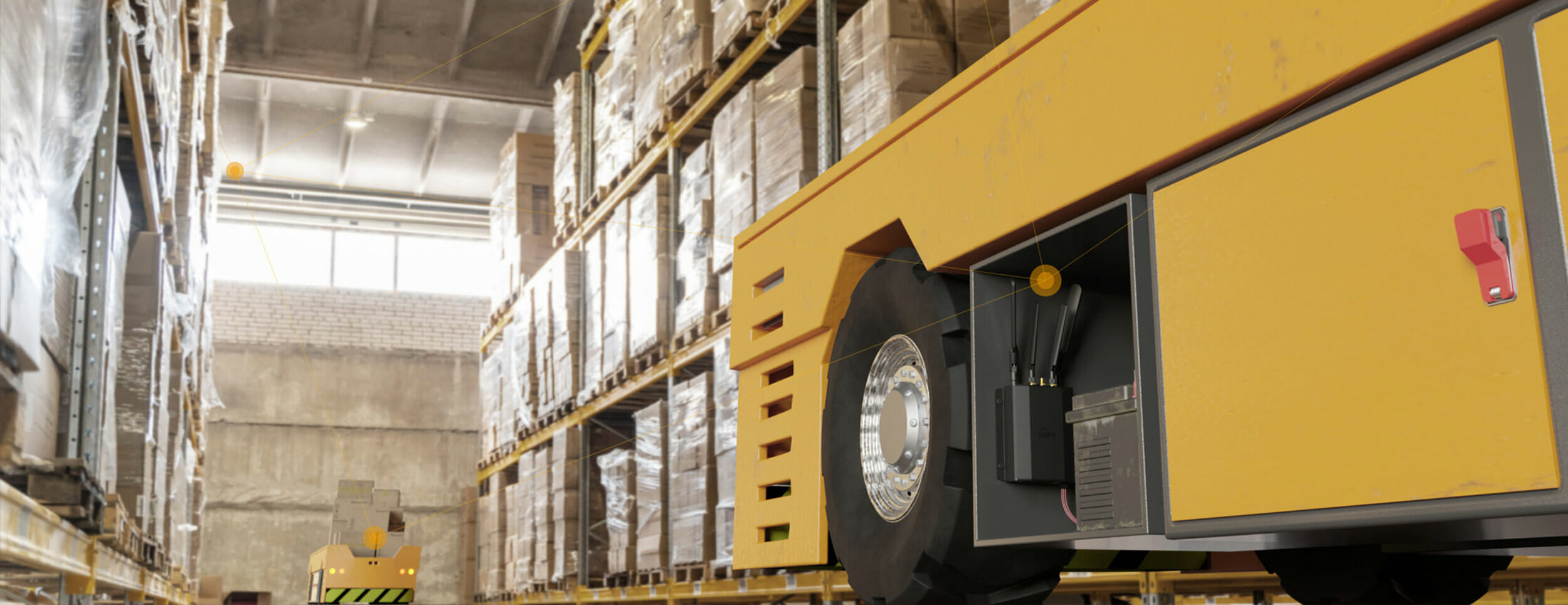
Your
Private
5G/LTE
Learn More

Your
Starlink
Experience
Learn More
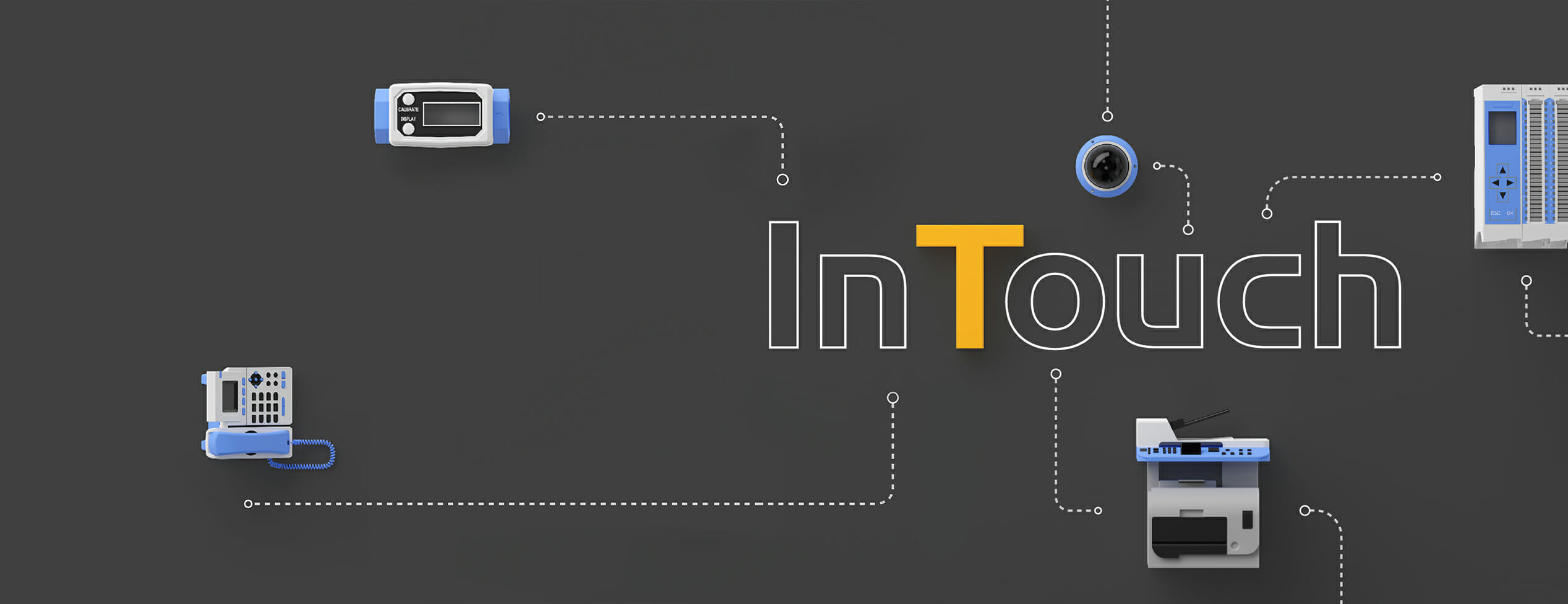
with Your Device
Anytime
Anywhere
Learn More
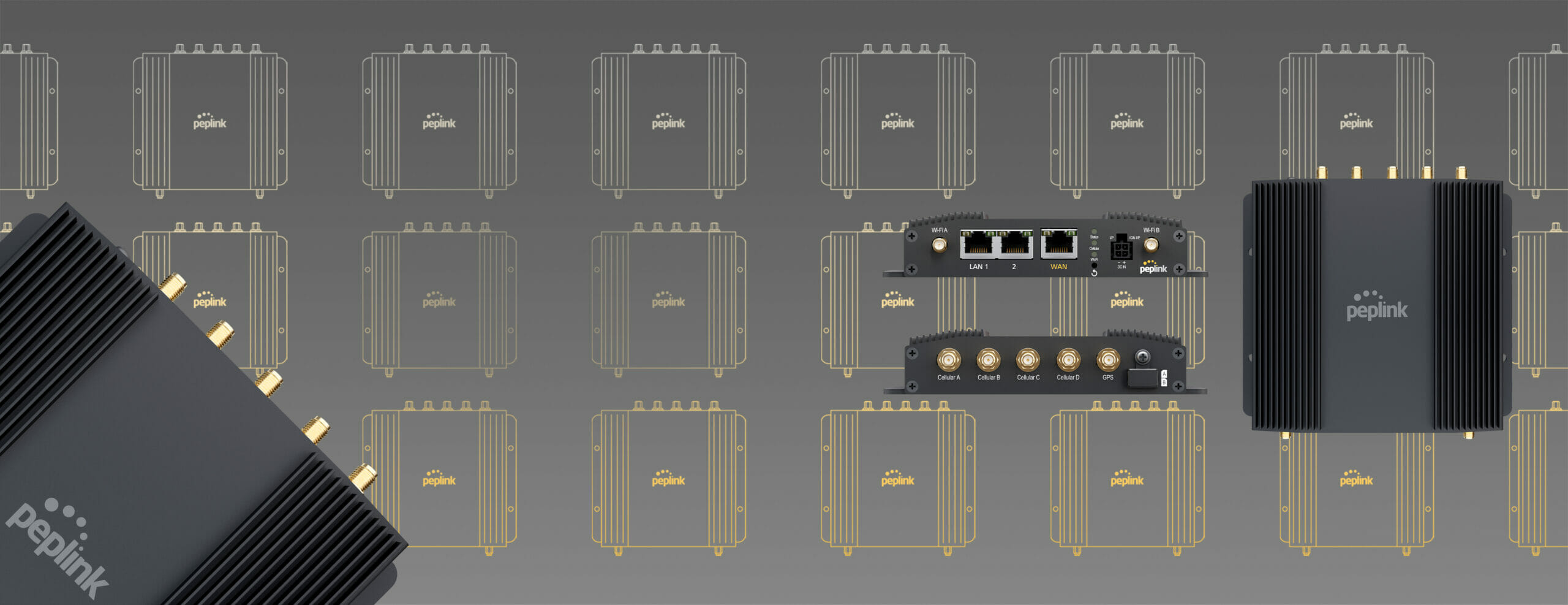
8 Reasons Why It
Should Be Your Choice
Upgrade your network for only $999*!
Learn More*Pricing applies to US region only, other regions may vary.
What’s New

Our Solutions
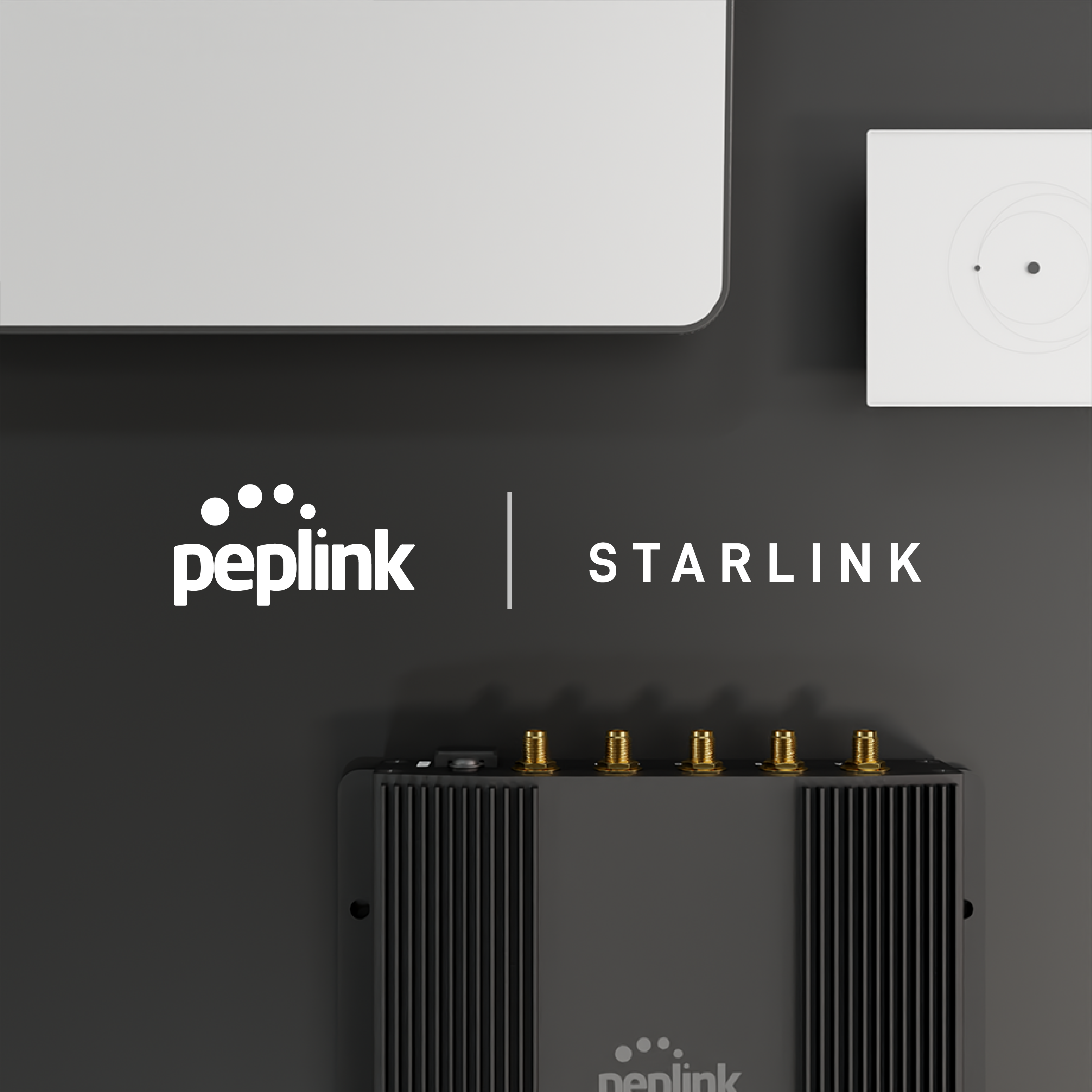
The Synergy of Starlink and Peplink
Keep Your Home, Business, and Mobile Networks Up and Running
SpeedFusion Connect Relay
Remotely Connect to Your Home Network Like
You Never Left the House
5G Available Now…
And It’s More Incredible Than Ever
5G-Ready Antenna
5G-Ready Outdoor Antennas to Bring Connectivity a Solid Boost
For Small and Medium Enterprises
Fast, Secure, and Manageable Connectivity for SMEs
For Mobility & Specialized Markets
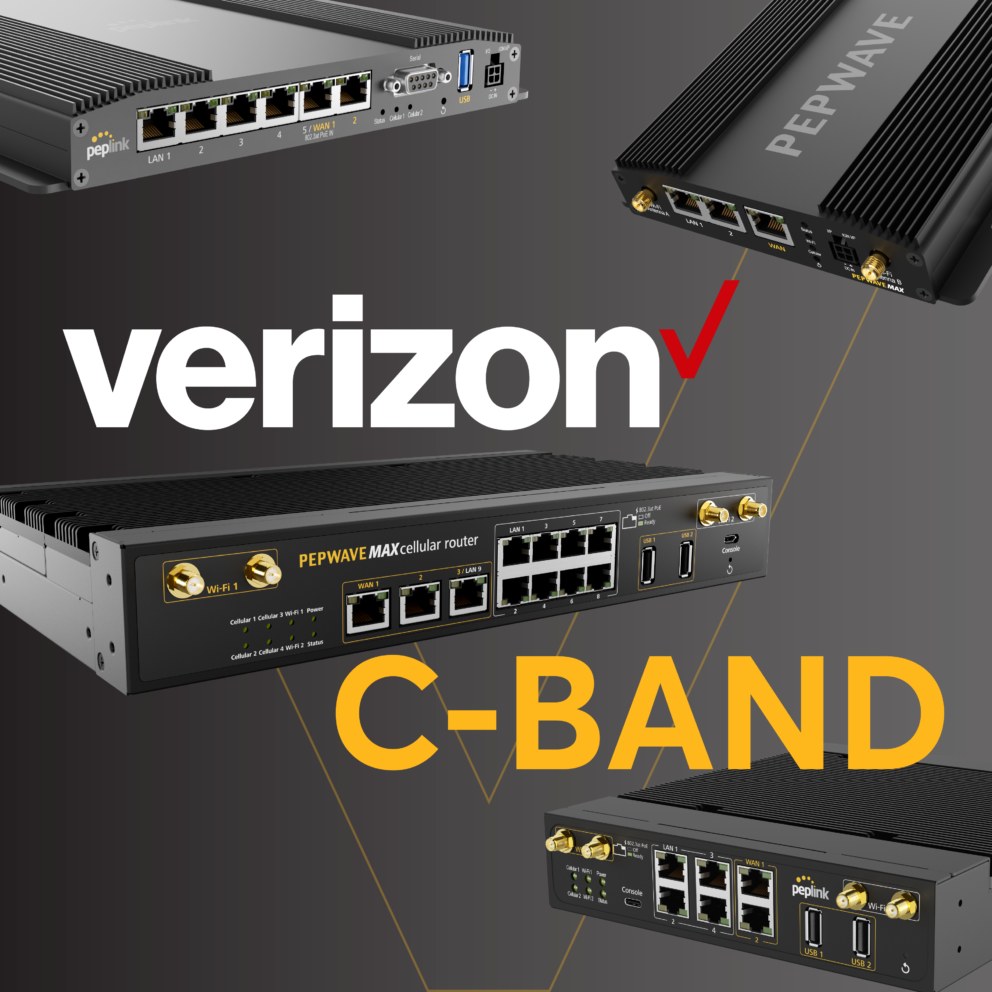
Address New Demands with 5G Ready Equipment
For Managed Service Providers
Create High Value-Added Solutions at Half the Cost
Peplink Partner
We Work Together
Be a part of our community
Our Core Values

Innovation
There’s always a better way, and we’re determined to find it.

Passion
We obsess over our products and solutions, details keep us up at night.

Agility
We keep a tight feedback loop and quickly adapt to market trends.

Openness
We collaborate with transparency so that new ideas can flow freely.